

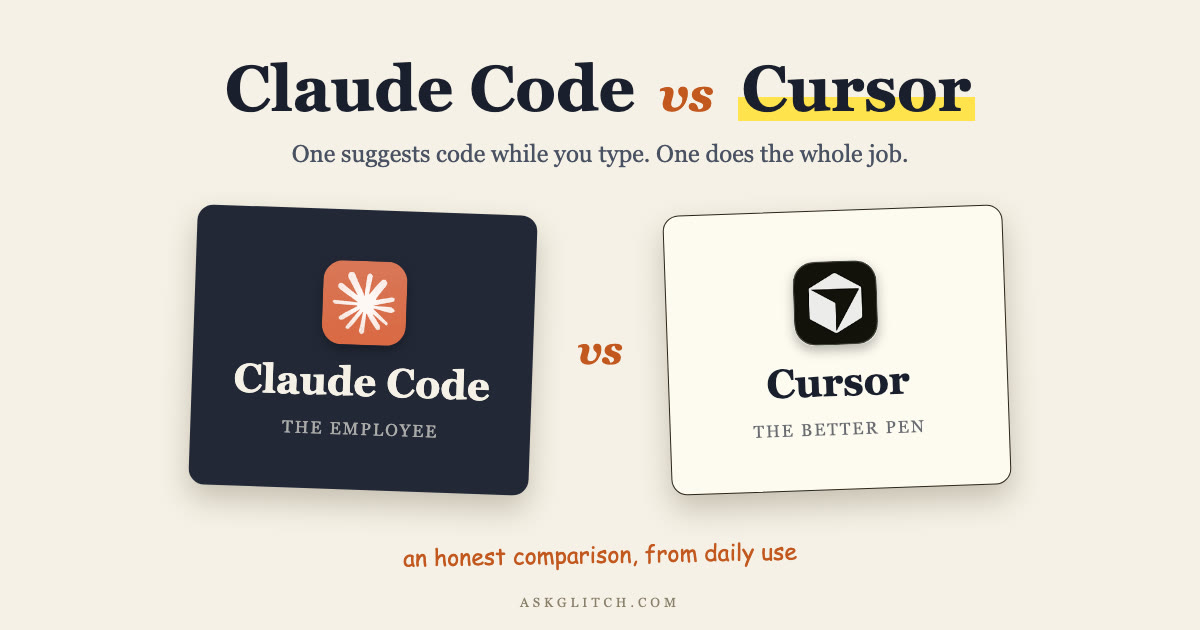
You typed "claude code vs cursor" because you want one answer, so here it is. Cursor is a better editor: it makes you faster while you write the code. Claude Code is a better employee: you hand it the job and it comes back with the job done.
That's the whole comparison. Everything below is me earning it.
Quick disclosure so you know where I stand: my entire business runs on Claude Code. Not "I tried it for a weekend." A team of AI agents built on it handles my content pipeline, my email, and my ops, every day. So I have a horse in this race. I'll still tell you plainly where Cursor wins, because it does win in specific, predictable places, and pretending otherwise would make this post useless.
I run my whole business on AI agents built with Claude Code. Want the playbooks as I write them?
The comparison at a glance
| Claude Code | Cursor | |
|---|---|---|
| Starting price | $20/mo (included in Claude Pro), Max at $100 or $200/mo, or pay-per-token API | Free Hobby tier, Pro $20/mo, Pro+ $60/mo, Ultra $200/mo |
| Where it lives | Terminal, VS Code + JetBrains extensions, desktop app, web (claude.ai/code), iOS | Its own IDE (a VS Code fork), plus a CLI, iOS app, and Slack |
| Interaction model | Delegate a task, the agent plans and executes it | You type, Tab completes; Agent mode for handoffs |
| Agent capabilities | Subagents, background agents, scheduled Routines, Agent SDK, GitHub Actions | Agent mode, cloud agents, Bugbot code review, Automations |
| Models | Claude only (Opus 4.8 default on Max and API) | GPT-5.5, Claude Opus 4.8, Gemini 3.1 Pro, Grok 4.3, Composer 2.5 |
| Extensibility | CLAUDE.md, skills, hooks, MCP, subagents, plugins, SDK | Rules, MCP, skills, hooks |
| Built for | Delegation and automation, devs and non-devs | Professional developers who live in an IDE |
Pricing from cursor.com/pricing and claude.com/pricing, checked July 2026.
Now the substance.
 Cursor
Cursor is an AI-first code editor. It's a fork of VS Code, so it looks and feels like the editor most developers already use, except AI is wired into every surface instead of bolted on.
Its signature feature is still Tab: autocomplete that predicts your next edit, and often your next several edits, as you type. This is the thing Cursor does better than anyone, and it's the reason developers who try it don't go back to plain VS Code. When you're actually writing code by hand, Cursor makes the writing faster in a way you feel within an hour.
But calling Cursor an autocomplete tool in 2026 would be unfair and outdated. The current product is built around what Cursor calls an "autonomy slider": you choose how much independence to give the AI. At the low end, Tab completions. In the middle, Agent mode, where you hand off a task and review the result. At the top, cloud agents that, in Cursor's words, "use their own computers to build, test, and demo features end to end for you to review," plus Automations that run agents on schedules and triggers, and Bugbot, which reviews your pull requests. There's a CLI, an iOS app, and a Slack integration.
Cursor is also model-agnostic, which matters to a lot of people. As of July 2026 it runs OpenAI's GPT-5.5, Anthropic's Claude Opus 4.8, Google's Gemini 3.1 Pro, Grok 4.3, and Cursor's own Composer 2.5, a fast in-house model tuned for agentic coding. If you want to pick a different frontier model per task, Cursor is the only tool in this comparison that lets you.
Pricing: a free Hobby tier with limited Agent requests and Tab completions, Pro at $20/month, Pro+ at $60/month with 3x usage, Ultra at $200/month with 20x usage, Teams at $40 per user per month, and custom Enterprise. Every paid plan works on usage credits, with on-demand billing when you run past them. Cursor's own guidance: Pro+ for daily agent users, Ultra for power users.
Honest review in one line: Cursor is the best AI code editor you can buy right now, and if "editor" is the category you're shopping in, you can stop reading and go buy it.
The catch is that "editor" might be the wrong category for you. Keep reading.
 Claude Code
Claude Code is Anthropic's agentic coding tool. There's no editor to open. You give it a task in plain English, and it reads your codebase, makes a plan, edits files, runs commands, runs the tests, and reports back. The official description is blunt about the shape of it: an agent that "reads your codebase, edits files, runs commands, and integrates with your development tools."
It started as a terminal tool, and the terminal is still the power surface. But in 2026 it runs in five places: the terminal CLI, VS Code and JetBrains extensions, a standalone desktop app, the web at claude.ai/code, and the Claude iOS app. The desktop app runs multiple sessions side by side and schedules recurring tasks. The web version runs tasks in a cloud sandbox, so you can kick off a job from your phone, close the laptop, and check the result later. Sessions move between surfaces: start on the web, pull the session into your terminal with claude --teleport, hand it to the desktop app with /desktop.
The interaction model is the real difference. You don't watch Claude Code type. You say "write tests for the auth module, run them, and fix any failures," and it does all three. Or you pipe things into it like any Unix tool: tail -200 app.log | claude -p "Slack me if you see any anomalies". That one line is a working log monitor. Nobody opened an IDE.
Pricing is simpler than people think. Claude Code is included in the $20/month Claude Pro plan ($17/month on annual billing), the same subscription as the chat app. Heavier users get Max at $100 or $200/month for 5x or 20x the usage. Teams pay $20 or $100 per seat. Or skip subscriptions and pay per token through the Anthropic Console. The default model on Max plans and the API is Claude Opus 4.8, Anthropic's flagship coding model, released May 28, 2026.
One real limitation, stated plainly: Claude Code runs Claude models. No GPT, no Gemini. If Anthropic has a bad model month, you feel it. Cursor users just switch models.
The real difference: a better pen vs an employee
Here's the mental model that settles most "claude code or cursor" arguments.
Cursor is a better pen. You're still the writer. Every keystroke, every file, every decision runs through you, and Cursor makes each of those moments faster. Skilled developers get enormous value from this, the same way a great chef gets more from a great knife than you would.
Claude Code is an employee. You describe the outcome, it owns the process. You review the work, not the keystrokes.
This is why the "which is better" question has no single answer but does have your answer. Ask yourself one question: do you want to do the work faster, or do you want the work done?
If you love writing code, you want the pen. If code is a means to an end, or if the work isn't even code (reports, email triage, file wrangling, research, content), you want the employee.
Cursor knows this, by the way. That autonomy slider, the cloud agents, the CLI, Bugbot: Cursor has spent 2025 and 2026 building employee features into the pen. The two products are converging. But their centers of gravity haven't moved. Cursor's soul is the editor. Claude Code's soul is the agent loop.
Claude Code ships the whole harness
The part most comparisons skip, and the part that decided it for me: Claude Code isn't just an agent, it's a complete agent harness you get out of the box.
An agent is a model in a loop with tools. The harness is everything around that loop that makes it reliable and yours. Claude Code's harness, all native, all documented in the official docs:
- CLAUDE.md: a markdown file of persistent instructions the agent reads every session, plus auto memory it builds as it works
- Skills: packaged, shareable workflows like
/review-pror/deploy-staging - Hooks: shell commands that run automatically at lifecycle events, like a formatter after every edit
- MCP: the open standard for connecting tools, so the agent can read Google Drive, update Jira, or post to Slack
- Subagents: parallel agents with their own context windows, coordinated by a lead agent
- Routines: scheduled runs on Anthropic's cloud that fire even when your laptop is closed, triggered by cron, API calls, or GitHub events
- Agent SDK: build fully custom agents on the same engine
I wrote up each of these pieces in Claude Code in 6 building blocks if you want the deep version. The point here is composition. Skills plus Routines plus MCP is how a coding tool becomes a worker: a skill that drafts your weekly report, a routine that runs it every Friday at 4pm, an MCP server that delivers it to Slack. That's not a coding workflow. That's a job, delegated.
Cursor now lists MCP, skills, and hooks on its individual plans too, and its Automations cover scheduled agents. Credit where due. But in Cursor these are features attached to an IDE. In Claude Code they're the product, and they run anywhere a terminal runs, which is why you can build things on it that have nothing to do with software development.
Where Cursor wins
No hedging, here's the honest list.
You write code for hours every day. Tab completions compound. A developer who types 6 hours a day gets paid back on every line. Claude Code has no equivalent; it doesn't complete your typing, it replaces the typing.
You want to see every change as it happens. Cursor keeps you in the loop at the keystroke level, with inline diffs in the editor you already live in. Delegation means trusting the agent between check-ins, and not everyone wants that on every task.
You want model choice. GPT-5.5, Opus 4.8, Gemini 3.1 Pro, Grok 4.3, Composer 2.5, switchable per request. Claude Code gives you Claude, period.
You want a free tier. Cursor's Hobby plan costs nothing and includes limited Tab and Agent use. Claude Code needs a paid plan or API credits.
Your team already lives in VS Code. Cursor is a drop-in. Zero retraining, same extensions, same keybindings.
Where Claude Code wins
You delegate more than you type. The whole product is built around handing off work. Subagents, background agents, Routines, and the SDK exist so tasks run without you watching.
Terminal and automation work. Claude Code pipes, scripts, and chains like any Unix tool. It runs in CI with GitHub Actions or GitLab. It answers @Claude mentions in Slack with pull requests. Cursor's CLI exists, but the terminal is Claude Code's home field.
The work isn't code. This is my actual life. My agents write content briefs, manage email, and run ops workflows. They're built on Claude Code's harness, and not one of them needs an IDE. Cursor has no answer for this because it isn't trying to; it's a professional developer tool.
You're not a developer. The desktop app and claude.ai/code took away the terminal barrier. You describe what you want in plain English in a chat box. An IDE full of panels and file trees is a cost you never pay.
You want work running while you sleep. Routines run on Anthropic's infrastructure whether your machine is on or not. Cursor's Automations compete here, but Claude Code's version plugs into the same skills and MCP servers as the rest of your setup, so scheduled jobs reuse everything you've already built.
The "both" answer
Here's the part the versus framing hides: this isn't actually a fork in the road. A huge number of professional developers run both, and the setup is official.
Cursor is a VS Code fork, so the Claude Code extension installs straight into it. Anthropic's own docs ship an "Install for Cursor" link. The result: Cursor's Tab completions while you type, and a Claude Code panel in the same window for "go fix the flaky tests while I build this feature." Or skip the extension and run claude in Cursor's built-in terminal.
Both entry plans are $20/month, so the both-answer costs $40/month. If AI tools save you two hours a month, that's already paid for. For working developers this is the setup I'd actually recommend, not a compromise.
Which one should you pick
Professional developer. Start with Cursor, $20/month. Tab alone justifies it. Then add Claude Code the week you notice you're delegating whole tasks to Cursor's Agent anyway, because Claude Code's harness does delegation deeper: subagents for parallel work, hooks for guardrails, Routines for the recurring stuff. Most senior devs I know end up at both.
Founder or operator who can read a little code. Claude Code, no contest. Your bottleneck isn't typing speed, it's that everything routes through you. One agent that handles a real recurring job (reporting, research, content prep, inbox triage) buys back more hours than any autocomplete ever will. Start on Claude Pro at $20/month and upgrade to Max when you hit limits, which you will, because delegation is habit-forming.
Non-technical, no plans to code. Claude Code is the only option that makes sense, and it makes a lot of sense. Skip the terminal entirely: use the desktop app or claude.ai/code and type what you want done. Do not buy Cursor; it's a professional IDE and you'd be paying for a cockpit you'll never fly.
Whichever you pick, your first app will run on localhost. Here's how to put your website online for free, with the exact prompts.
The takeaway
Cursor is the best pen money can buy. Claude Code is the first employee most people ever hire for $20 a month. Buy the pen if you write code all day. Hire the employee if you want work done. Do both if you're a developer, because they stack.
I picked the employee side of this trade in 2025 and built my whole operation on it: an AI team that ships content, handles email, and runs ops on Claude Code's harness while I do the parts only I can do. If you're an operator who wants that, not autocomplete, that's exactly what I teach inside the community: non-developers building real AI teams on Claude Code, step by step. Come see how it works.